

📦 Easy Templates: v8.0.0
Permissions improvements for Easy Issue Templates for Jira 🚀
✨ What's new? NEW
We’ve introduced a new global permission and clarified who can use vs. manage templates:
More info: Permissions
-
New global permission: “Easy Templates – Manage Templates”
-
Lets admins grant Template Manager rights via Jira groups (without Site/Project Admin).
-
Template Managers can create/edit/delete/clone templates, use “Save as template”, and manage global & project templates (where they have Browse Projects).
-
-
Who can do what
-
Template Users (any Jira user) can:
-
Apply templates to issues*
-
Create issues from templates*
-
-
Template Managers (Site Admins, Project Admins, or users with the new global permission) can also manage templates.
Use “Manage Templates” tab in Apps → Templates view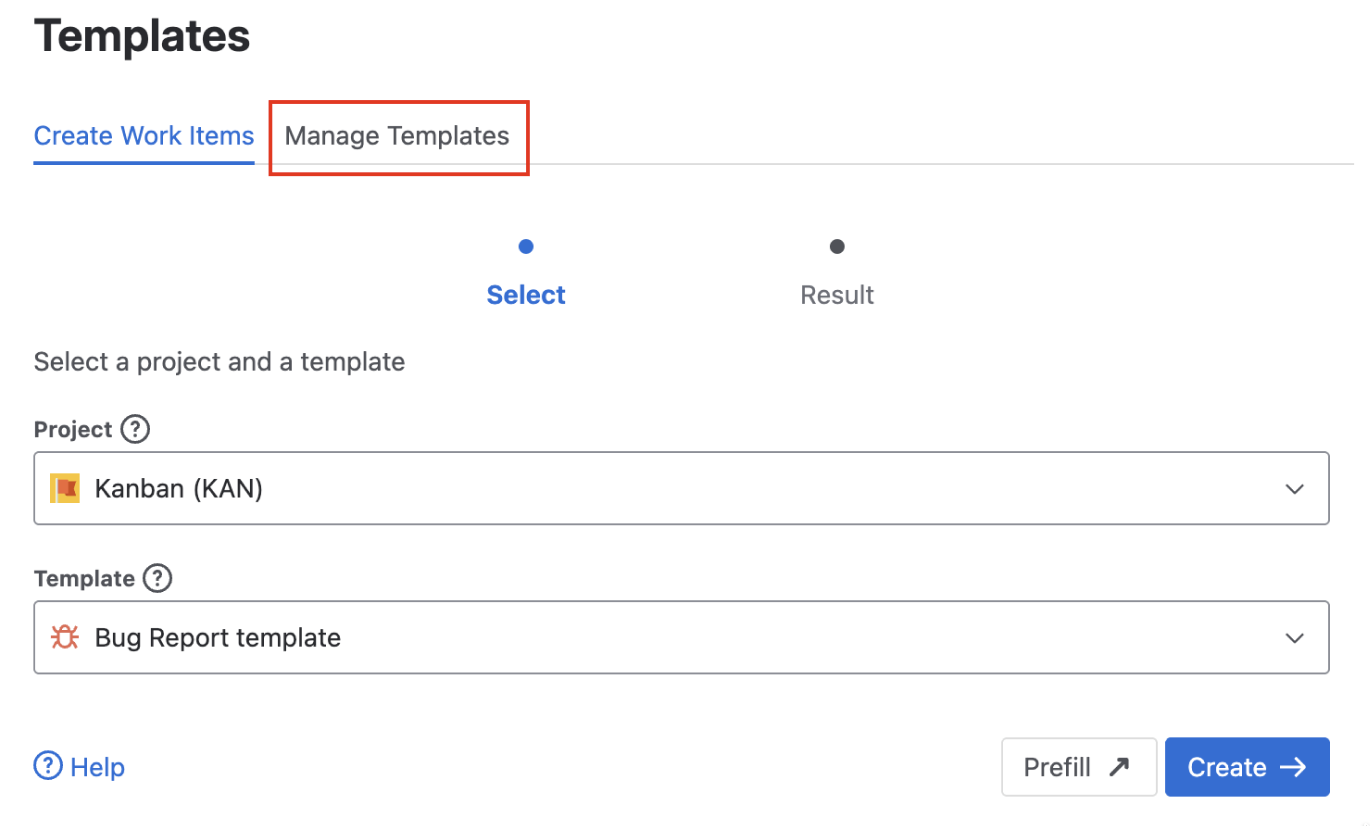
-
-
Required Jira project permissions
-
Apply a template → needs Edit Issues and (currently) Create Issues when child issues are created
-
Create issues from template → needs Create Issues
-
* Always subject to Jira project permissions above
🛠️ Improvements & changes Improved
-
Usage analytics: We implemented analytics using PostHog. This helps us learn from users and improve the app. Admins can disable analytics in the admin console → app details
📖 Helpful Docs